One of the most exciting things about technology is how quickly it evolves. In assistive technology, that constant innovation means new possibilities for independence are emerging all the time.
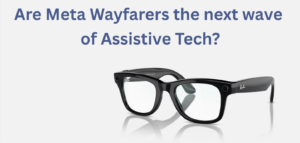
Recently, educators began requesting grants for a new device: the Ray-Ban Meta Smart Glasses, commonly known as Meta Wayfarers. At first glance, they look like a standard pair of glasses. But behind the classic frame is a powerful combination of AI, cameras, audio, and voice control.
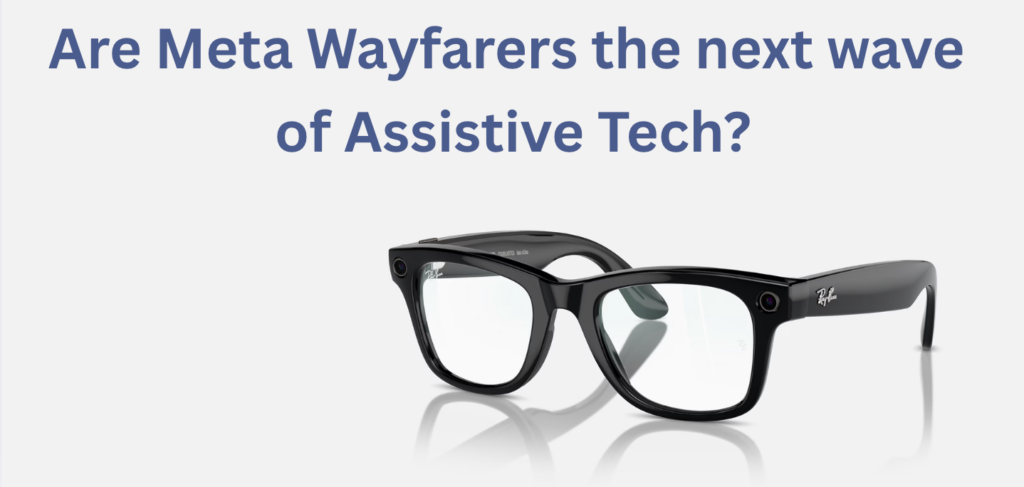
While these glasses weren’t created specifically for students with visual impairments, their capabilities raised an interesting question: Could a mainstream wearable device become a meaningful assistive technology tool?
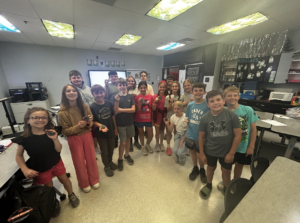
To find out, we supported a classroom trial and began testing a pair of Gen 1 Meta glasses ourselves. Through an RTF grant, educator Ms. Grender was able to bring a pair into her district in Watertown, WI, to trial with students. At the same time, we began testing a pair ourselves to better understand the possibilities. What we discovered was a glimpse into how wearable technology could shape the future of assistive tools.
Why Smart Glasses Are Gaining Attention in Assistive Technology
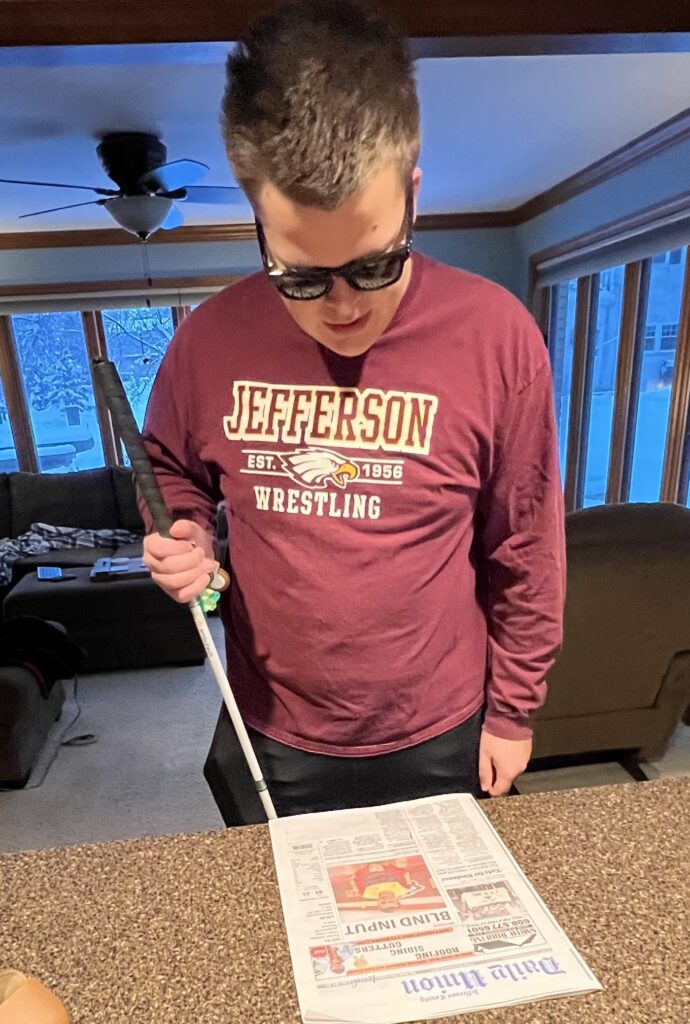
While the Meta Wayfarer glasses were not designed specifically as assistive technology devices, many of their built-in features lend themselves naturally to accessibility. Unlike devices built solely for low vision, such as NuEyes, which focus primarily on magnification and visual enhancement, Meta’s glasses take a different approach. They focus on describing the environment, providing real-time assistance, and enabling hands-free interaction with the world. For students navigating classrooms, hallways, or community spaces, that shift in functionality could be incredibly powerful.
And the best part? They aren’t obviously an AT tool.
Ms. Grender reflected, “One thing my students really like is how small and discreet the Meta glasses are. They don’t feel like they’re using a big piece of equipment that makes them stand out. Instead, they’re wearing regular glasses that anyone can purchase.”
What These Glasses Can Do
During our testing and classroom grant use, several features stood out as particularly valuable from an assistive technology perspective:
Vision Assistance
The glasses allow users to ask questions about their surroundings using simple voice commands. Just start with “Hey, Meta,” and ask the glasses to describe anything around you. The design of the glasses allows the answer to go directly into the user’s ear, so no one else can hear.
Students can:
- Ask the glasses to describe what’s in front of them
- Have documents, menus, or signs read aloud
- Identify objects and colors
- Translate printed text in real time
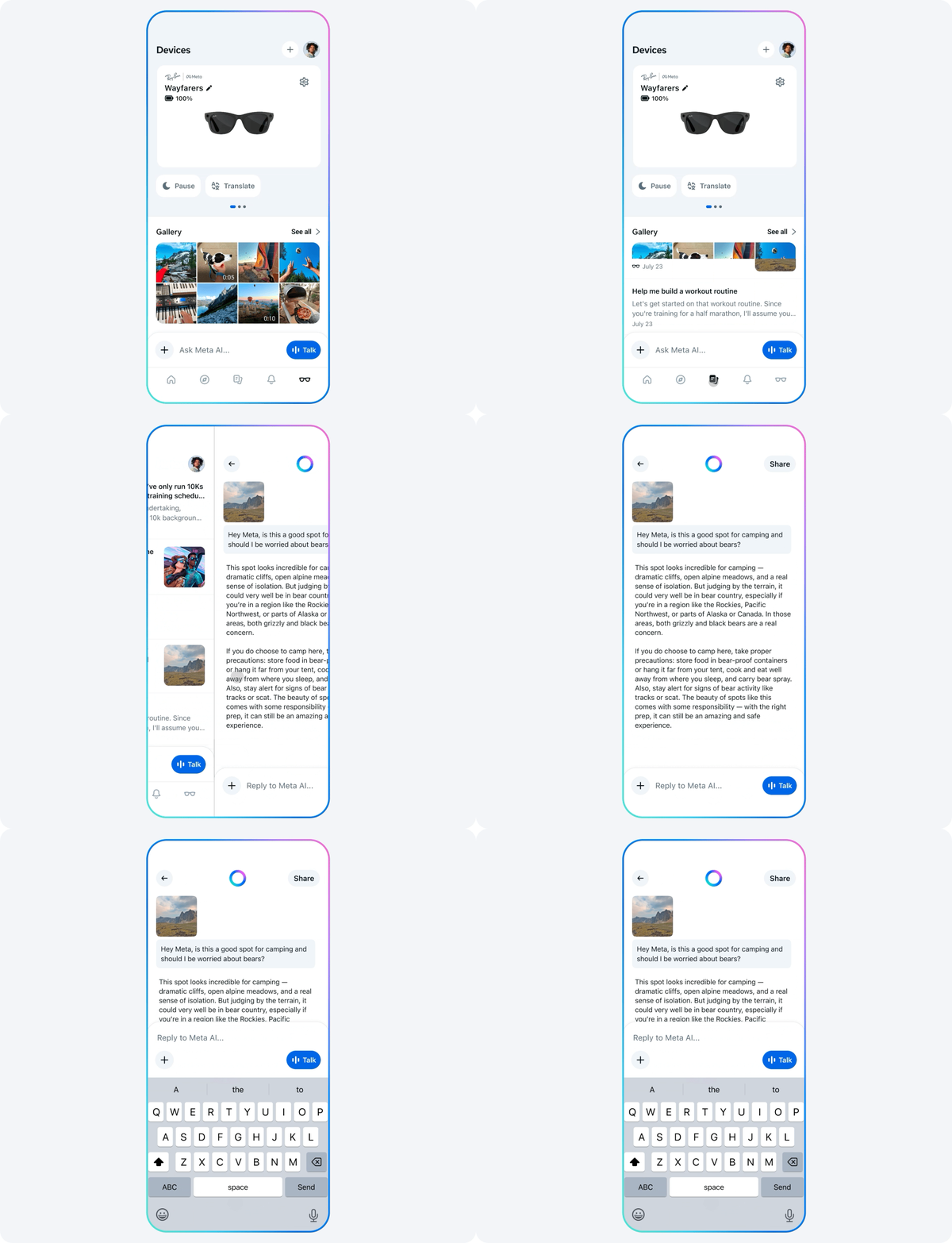
Here is a real example of the response to the, “Meta, what am I looking at?” prompt on our RTF trial glasses, with a photo of the visual:

Meta responded, “You’re looking at a kitchen area with light wood flooring and cabinets. In front of you, there is a white dog sitting on a colorful, checkered mat on the floor. The kitchen has a central island with white countertops and metal-framed chairs to the left. Behind the island, there is a stainless steel stove and microwave. There are various items on the kitchen counters, and a trash can near the right side.”
Additionally, for vision support, users can connect with a sighted volunteer via app integration with Be My Eyes to receive guidance in real time through the glasses’ camera.
One of the ways the glasses are being used in Watertown, WI, is for quickly accessing information that might otherwise be difficult to see from across the room. Ms. Grender shared, “Students can take a picture of something that’s difficult to see from their seat, like notes on the board or their teacher showing a demonstration. Then they can zoom in on the image to view it more clearly.”
Mobility and Navigation
Because the glasses are fully voice-controlled, students can interact with them without needing to hold a phone.
This opens up possibilities for:
- Reading street signs and landmarks while traveling
- Hands-free navigation support
- Location-based information
Hearing and Cognitive Support
The glasses include open-ear audio, allowing users to hear spoken information without blocking important environmental sounds. This is particularly important for safety when navigating busy environments, including a school building.
Additional features can support routines and organization, such as reminders, lists, and accessibility options like live captions.
What We’re Seeing in the Classroom
Our classroom trial yielded incredibly valuable insights. Ms. Grender, a teacher working with students with low vision, was eager to explore how these tools might support her students in real classroom settings. She said: “As a teacher for students who have low vision, I’m always looking for tools that help my students access information more independently. It’s been exciting to see how devices like these can help students access visual information in ways that weren’t as easy before.”
Across her CESA #2 region, the devices have now been used in eight districts and with more than twenty students. Early experiences show how quickly students can begin using the technology to access information independently.
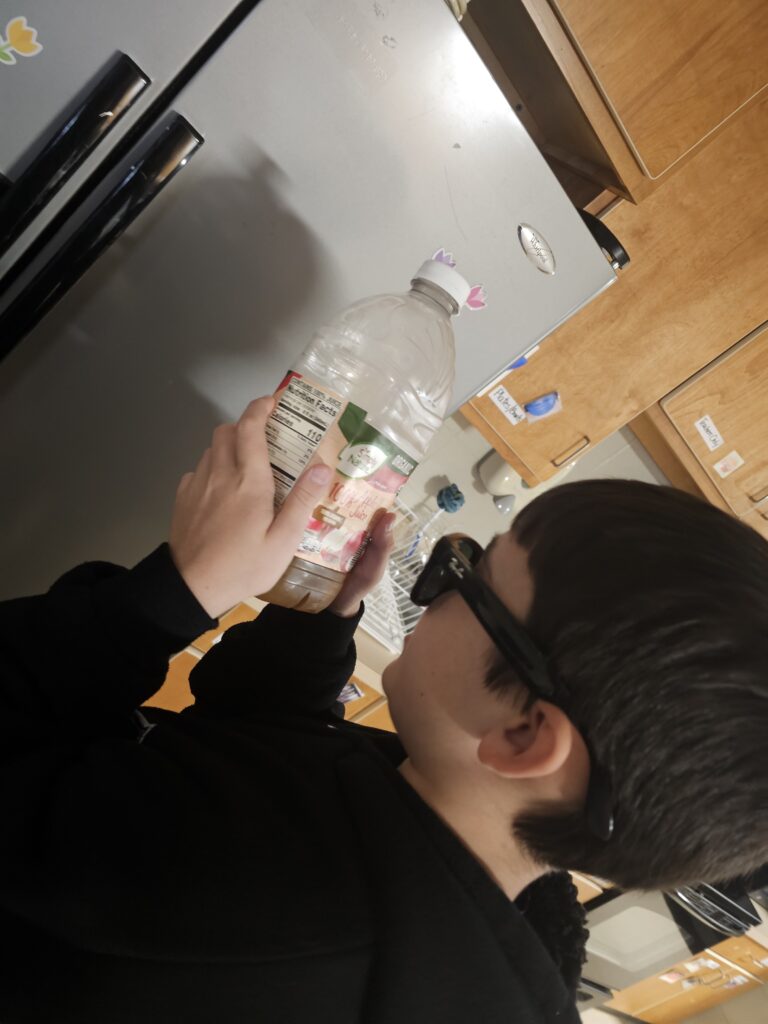
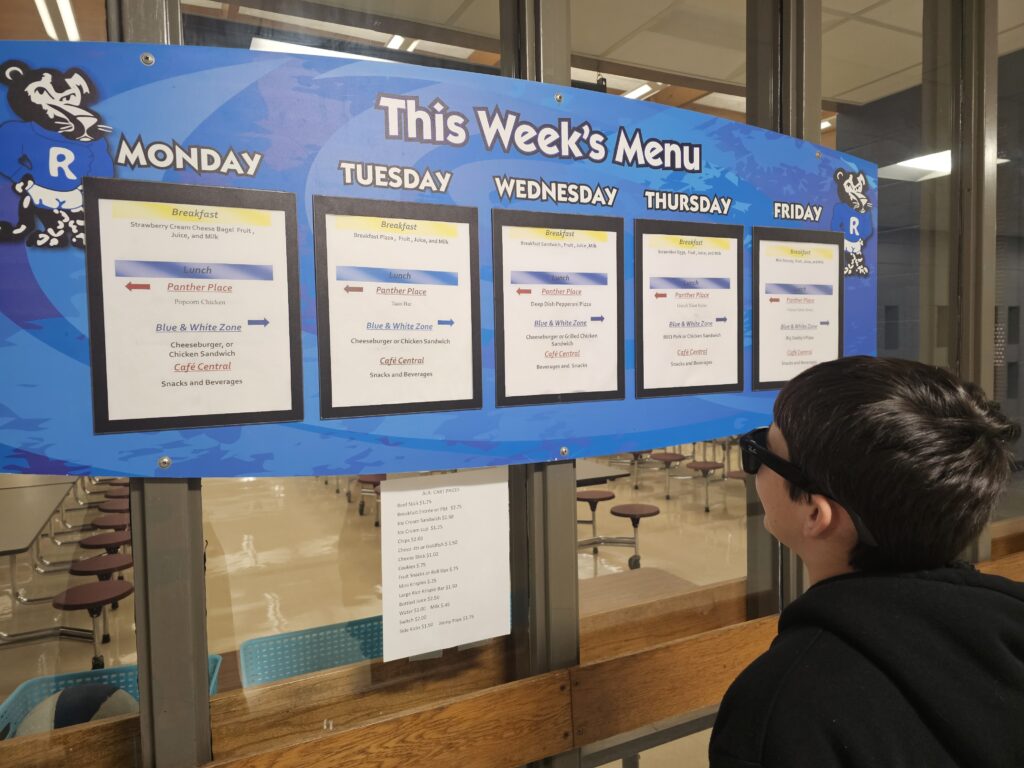
One of Ms. Grender’s students was especially excited to discover he could read the school lunch menu on his own using the glasses. He was also able to check food item nutritional labels — something that had previously required assistance. Moments like these may seem small, but they represent meaningful steps toward confidence and independence.
With this assistive tech, a student can participate in a science lab while the glasses read the lab directions, identify the supplies on the table, and state what the labels on the beakers say.
Next for Ms. Grender’s students, the glasses will be used in Orientation and Mobility lessons, where students can practice navigating real-world environments by identifying landmarks, reading street signs, and gathering information about their surroundings.
As with any new technology used in schools, it’s important to consider the practical implications.
One concern that naturally comes up is how the Ray-Ban Meta Smart Glasses include built-in cameras for taking photos and short videos. In a school environment, that can raise understandable questions around privacy and recording in classrooms or hallways.
The good news is that the glasses are managed through the Meta View companion app, where many of the features can be adjusted or turned off. If a school prefers, certain functions can be disabled, allowing students to still use the accessibility tools. When thoughtfully implemented, this kind of technology can help students access information independently while still fitting comfortably within a school’s existing policies.
What We Noticed During Our Own Trial
While classroom feedback has been incredibly encouraging, testing the glasses ourselves helped us understand just how intuitive they can be. The simple command structure — phrases like “Hey Meta, what’s in front of me?” or “Hey Meta, what does this sign say?” — makes the device surprisingly easy to use.
What stood out most was how naturally the glasses fit into everyday life. Because they are built into the classic Wayfarer frame, they look like normal, black-framed glasses rather than specialized assistive technology. Although a few people asked me if I was wearing Meta glasses out of curiosity, they mostly went unnoticed.
That subtle design matters. Assistive devices that blend into daily life can help reduce stigma and make individuals more comfortable using them consistently.
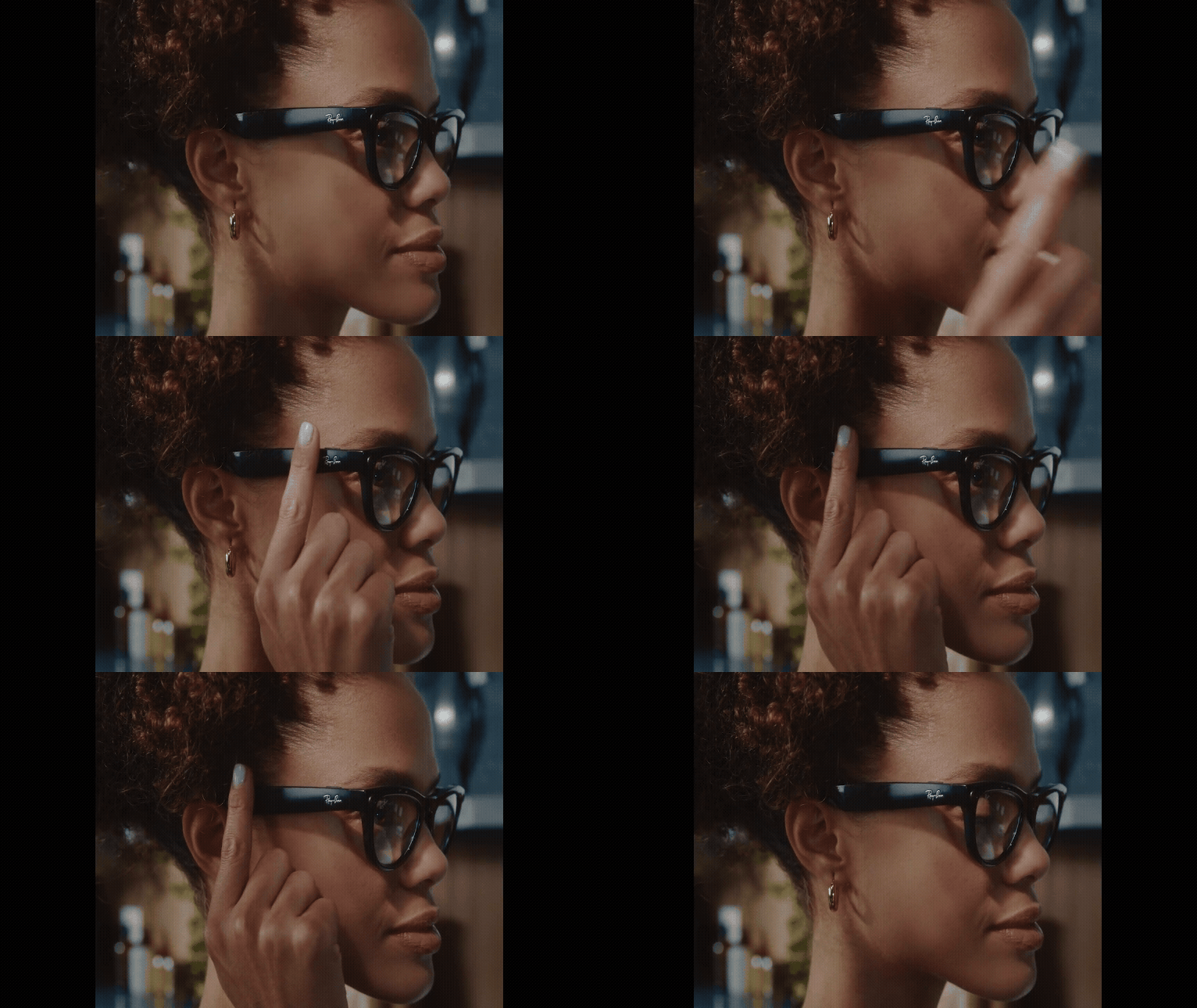
Plus, they are easy to use. Adjusting the volume is as simple as sliding your finger, and capturing a photo is as simple as clicking a button.
Looking Ahead: The Possibilities
Technology like the Meta Wayfarer glasses represents an exciting step forward in assistive tools. While they may not replace specialized devices designed specifically for low vision, they offer something equally valuable: another option.
In the classroom, the difference between handheld and wearable devices is notable. Ms. Grender shared, “What stands out about smart glasses is that students can access magnification and visual information while still moving naturally in the classroom. Because the technology is worn rather than held, students can continue writing, participating in group work, and interacting with materials while still seeing what they need.”
Every student has different needs, and expanding the range of available tools helps educators and families find the right solution for each individual. As wearable technology continues to evolve, tools like these could become an important part of the assistive technology ecosystem, helping students gather information, navigate their environments, and build independence in ways that were difficult just a few years ago.